GPU Driven Object Placement
After years of working in tooling and shaders, I put myself to the challenge of finding out if it’s possible to place thousands of objects using the GPU.
Because GPU-driven rendering is the industry standard nowadays, and after having written one myself, placing objects by hand can be cumbersome.
Arbor is a GPU-driven object placement system for Unity, designed to place thousands of assets across large regions.
It is fast enough to use in real-time and artists can use multiple tools like the Graph system, Paint tools and spline masks to control the placement.
While editing, only regions that are changed are updated once per frame, keeping everything as smooth as possible.
The problem#
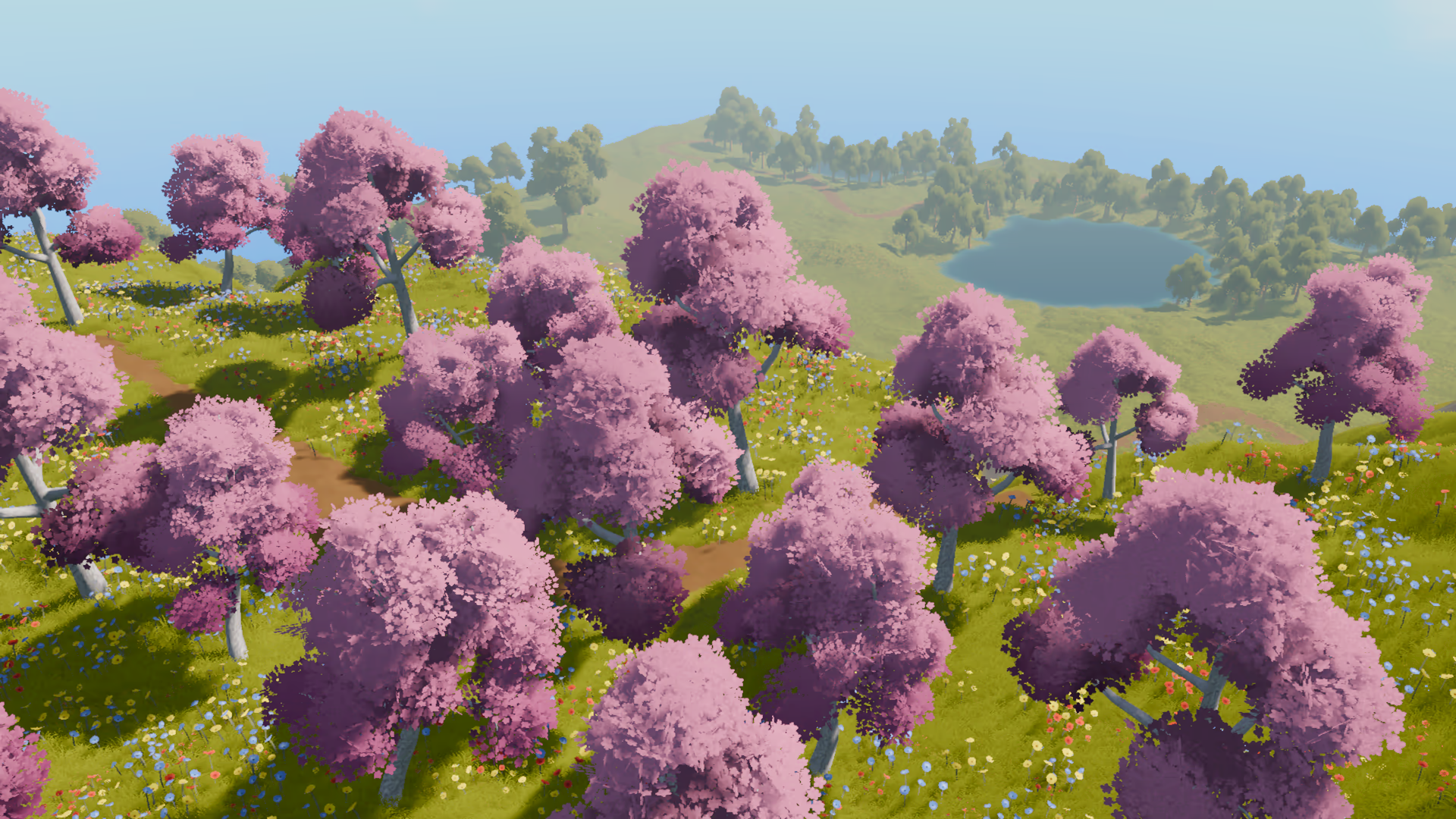
One of my main goals was making sure that artists and designers could use existing tools with minimal setup to change whole regions. Changing a single scale or spawn rule should not require them to wait for a few ms when the whole scene was being updated.
That’s when I got the idea to move the whole system to the GPU. The previous solution already output transform matrices for a prefab, making it actually fit perfectly for instanced rendering.
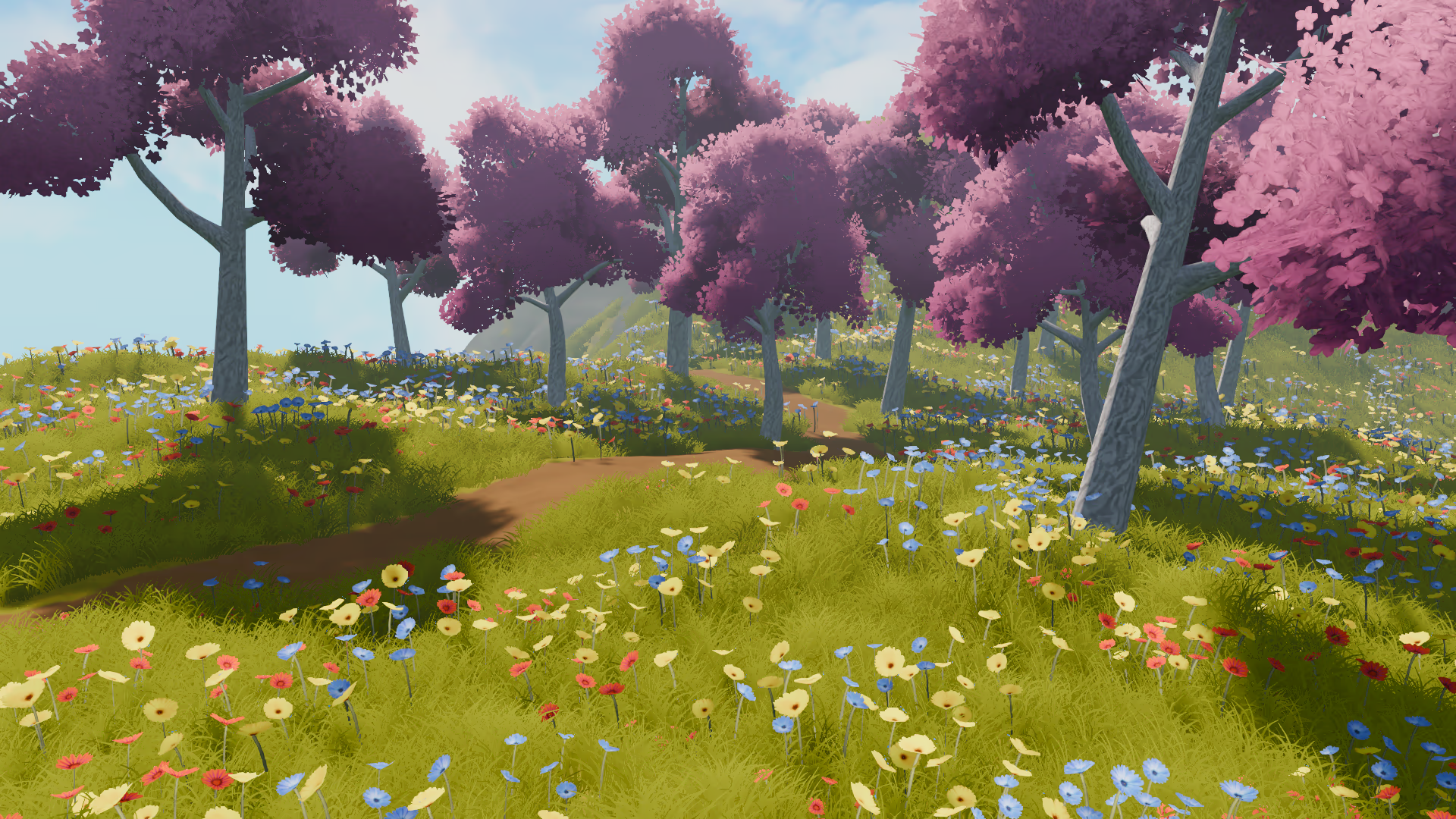
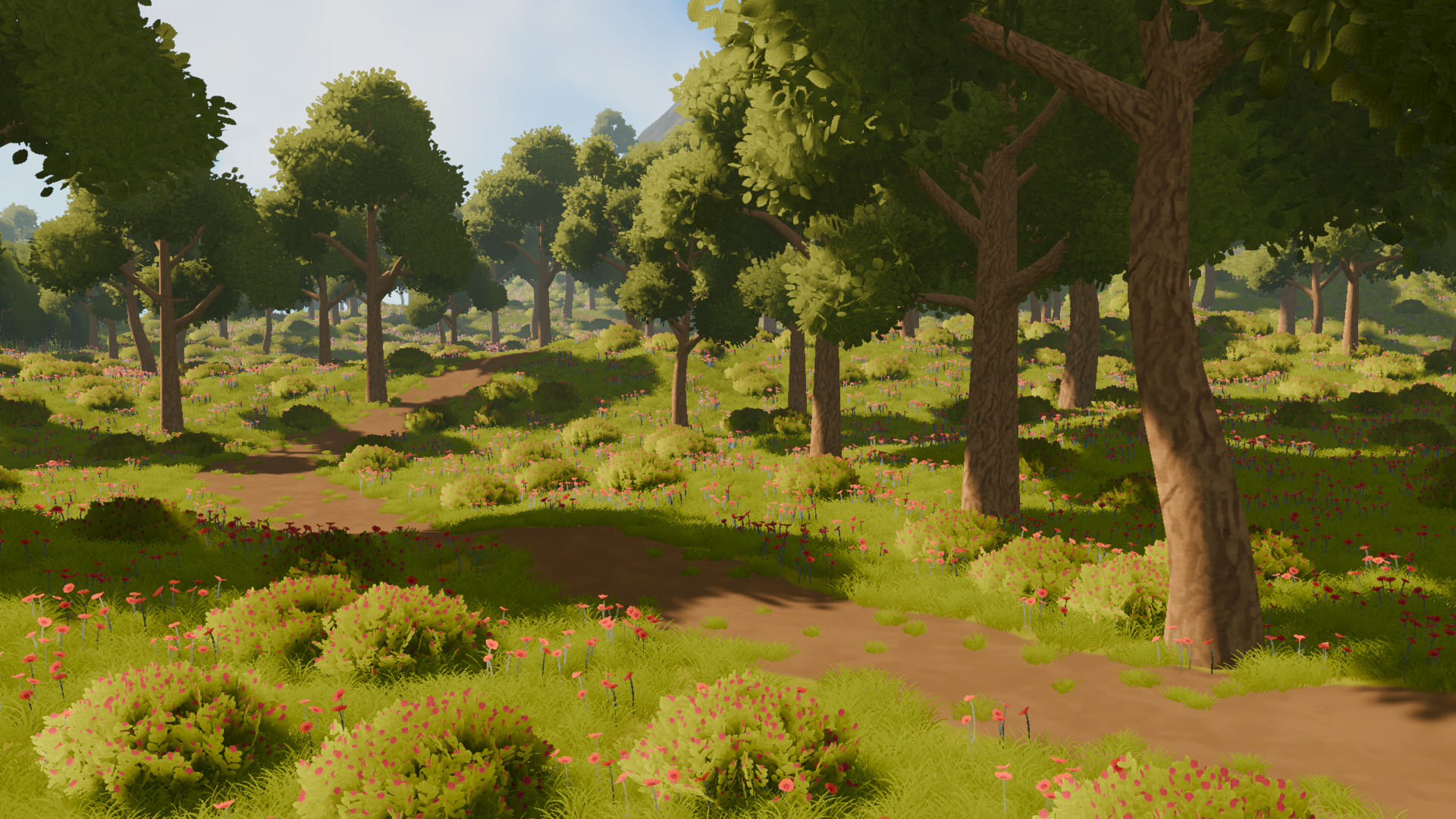
How it works#
Everything is based on a graph system generating different density textures for different layers. The node graph combines different masks, textures and procedural inputs into a density texture that drives what is placed where.
For artists and designers, there are different masking tools that can be used.
- A Node graph tool to combine different types of masks and textures.
- A spline mask tool can turn splines from the scene view into a texture using a width-controlled tool. Perfect for creating paths or roads.
- A Paint tool lets users draw into 2D textures.
- A Region + biome editor lets you define the density per layer and the randomization offset. A biome holds the configuration settings for different spawn items, each with their own rules. This lets you reuse biomes with different regions.
Everything is managed on the GPU, even the graph system textures are generated using shaders.
Using compute shaders, point generation happens using append buffers. Using indirect dispatches, additional point data is generated, like distance to shore regions and normal directions.
Using rule-based object selection, items are then selected and sorted using a GPU Radix sort.
Finally, each item has its matrix generated and put into a buffer for instanced indirect rendering.
Because the whole system is deterministic, the data that has to be serialized is minimal and everything else can be generated when needed.


Under the hood#
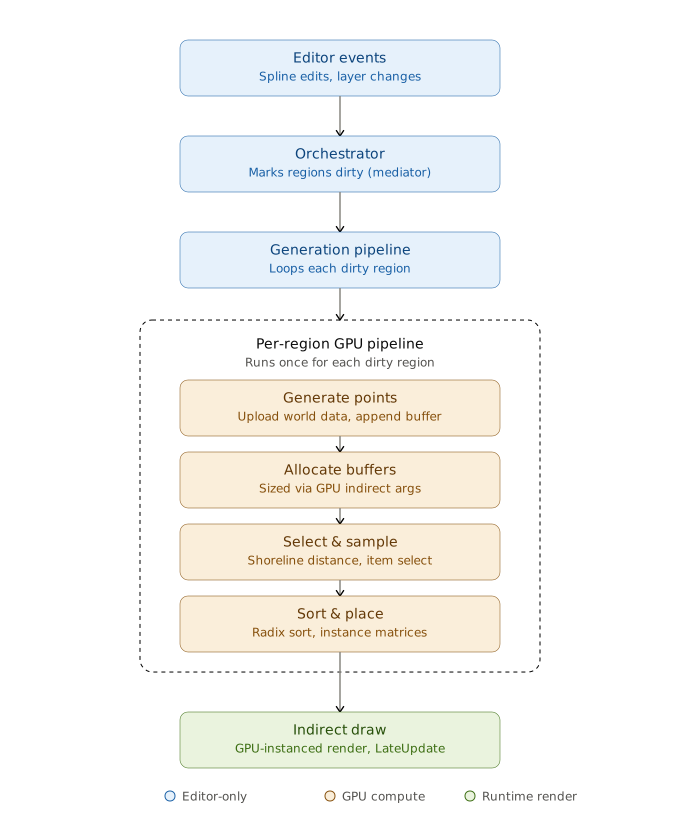
The generation pipeline is built as a series of independent, ordered GPU stages.
Each one is a self-contained compute dispatch.
An orchestrator decides what has to be regenerated and generates the required context.
One of the more interesting problems was a GPU readback that was stalling the CPU for ~0.80ms out of every 1.3ms regeneration.
It was needed to fetch an exact point count so the next buffers could be sized correctly.
The fix was to stop asking for an exact point count and instead allocate all buffers for their worst-case size.
On the GPU, we then read the real count from the count buffer and every dispatch can run using an indirect dispatch. This one change reduced the generation time from 1.3ms to 0.5ms.
The points are generated using a 16x16 ordered dither texture that is tiled over the region depending on the density.
A density of 1 essentially means each point is separated 1m from the next one. By calculating the number of tiles that are required for generating, we can then calculate the maximum number of points the region can hold.
On the GPU, each threadgroup has a size of 16x16x1 threads, where each thread handles a single point from the dither texture.
By dispatching a threadgroup for each tile, we can nicely calculate the world position of a point by its GroupThreadId and its GroupID.
private void GetTileData(float density, Bounds bounds)
{
    // density of 1 means 1 point every 1 unit (1m).
    // since the density texture is 16x16 points, we need to scale this by 16
    // density 1 -> tile size of 16x16
    // density 2 -> tile size of 32x32
    float2 tileSize = 16f * density;
    uint2 tileCount = (uint2)math.ceil(new float2(bounds.size.x, bounds.size.z) / tileSize);

    return (tileSize, tileCount);
}float3 LocalIdToPositionWS(uint3 GroupThreadId, uint3 GroupID)
{
float3 positionWS = float3(GroupThreadId.x, 0, GroupThreadId.y) * density;
positionWS.xz += density * 0.5f; // offset them by half a pixel. this makes sure the world position is based on the center of the pixels instead
positionWS.xz += tileSize.xy * GroupID.xy;
// offset the world position by the region origin point
positionWS.xz += REGION_MIN;
return positionWS;
}What’s next#
- Spawn item variants, sometimes you want different items with the same rules. With the current system you have to keep copying and pasting the rules between different items.
- Painting density directly in the scene view, rather that on a flat 2D texture.
References#
GPU-Based Procedural Placement in Horizon Zero Dawn
FidelityFX Parallel Sort 1.3
Blue noise textures + some extra information
Assets are from Idyllic Fantasy Nature