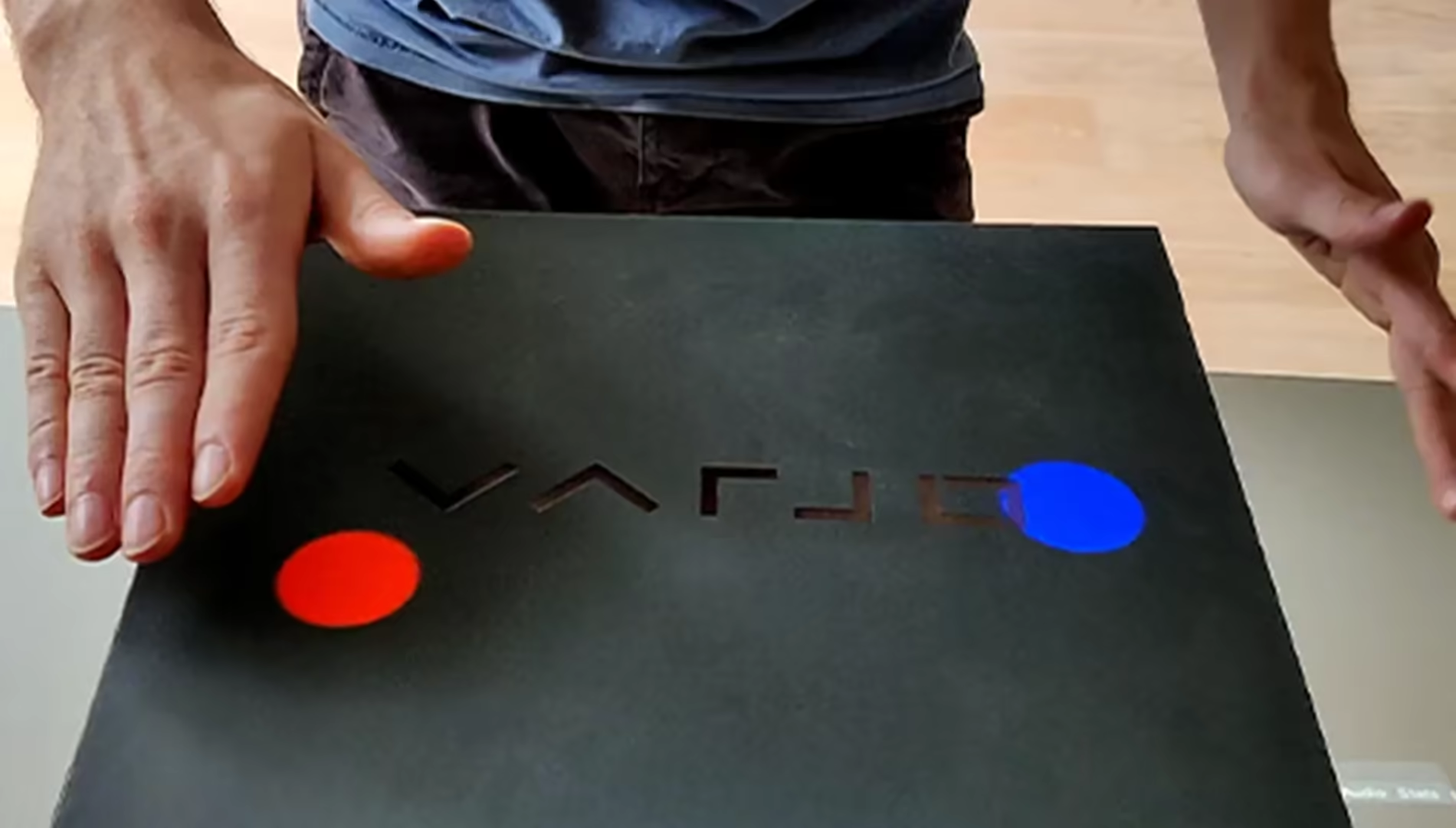
Buttons using a Microsoft Azure Kinect
During my time at HITLab Howest, we were asked if it would be possible to create buttons that had no physical shape or feel. They were needed for a test to see if operations for blind children had a positive impact. Those children had to react to a visual stimulation/light but they needed a way to track correct or false interactions. Physical buttons were not allowed since the test subjects bypass their vision by feeling the buttons.
After researching different solutions and devices we managed to create a working prototype using a projection beamer and the Microsoft Azure Kinect.
At first, we initialize the depth of the surface and calibrate using anchor points and bounding boxes.
Those boxes keep track of their initial depth values and each frame the current depth value is compared.
If a bounding box is filled with a certain difference in depth, we mark this box as pressed down.
When the depth returns to the initial value, the button is then marked as released and a ButtonPressed event is then called.
By making sure the difference in depth is below a certain threshold, we can know the distance between the surface (initial depth) and the hand of the patient.